Responsive Tabs with Keyboard Support
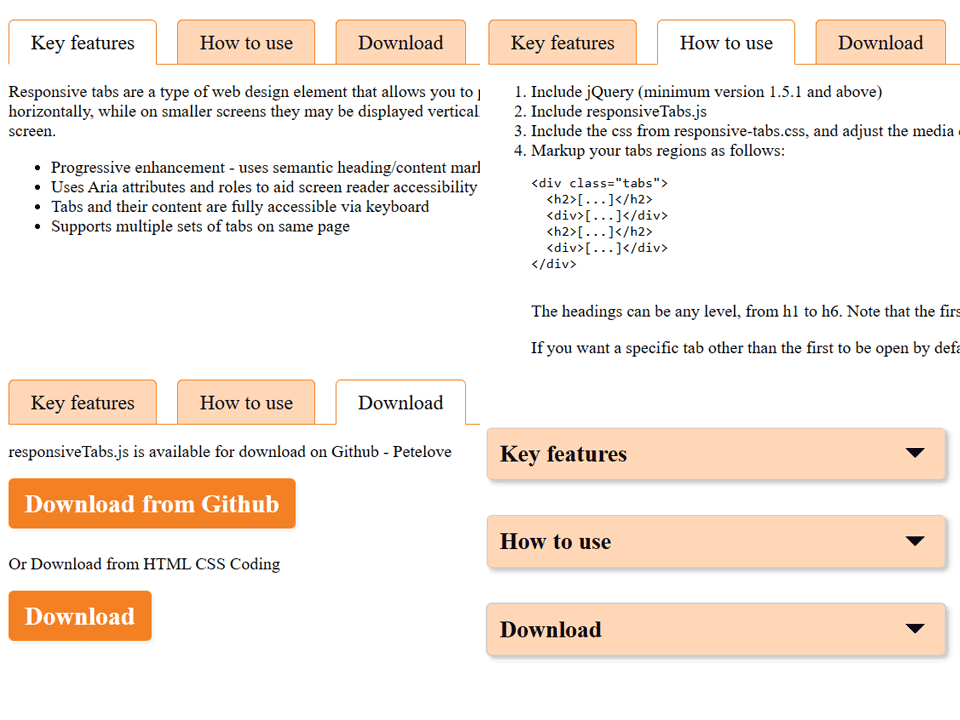
Responsive tabs group related information into selectable panels. A usable tab interface connects each control to its panel, announces the selected state, and supports keyboard navigation. This standalone demo uses native buttons and works without jQuery.
What makes a tab interface accessible?
- Use a tab list with clear, concise tab labels.
- Connect tabs and panels with IDs,
aria-controls, andaria-labelledby. - Keep
aria-selected, panel visibility, and the single tab stop in sync. - Support Left and Right Arrow keys plus Home and End, and show keyboard focus clearly.
How does this demo adapt to small screens?
The tab row can scroll horizontally on narrow screens, while each selected panel remains readable. Keep the tab labels available instead of making hover the only way to reveal content.
When should you use tabs?
Use tabs for a small group of related panels where visitors may switch between views. If the labels navigate to separate pages, use ordinary links. If visitors need to compare every section at once, a simple heading-and-section layout may be easier.
Open the demo to try pointer and keyboard interaction. The download contains the same standalone HTML example, with no external JavaScript dependency.